Physical Computing

Arhielle Nieto


Module 1


Activity Research

Introduction to Arduino Uno, Arduino Sensory board, Touch Designer, and Protopie Connect, which will be used in Module 2 depending on our project path.

Activity 1
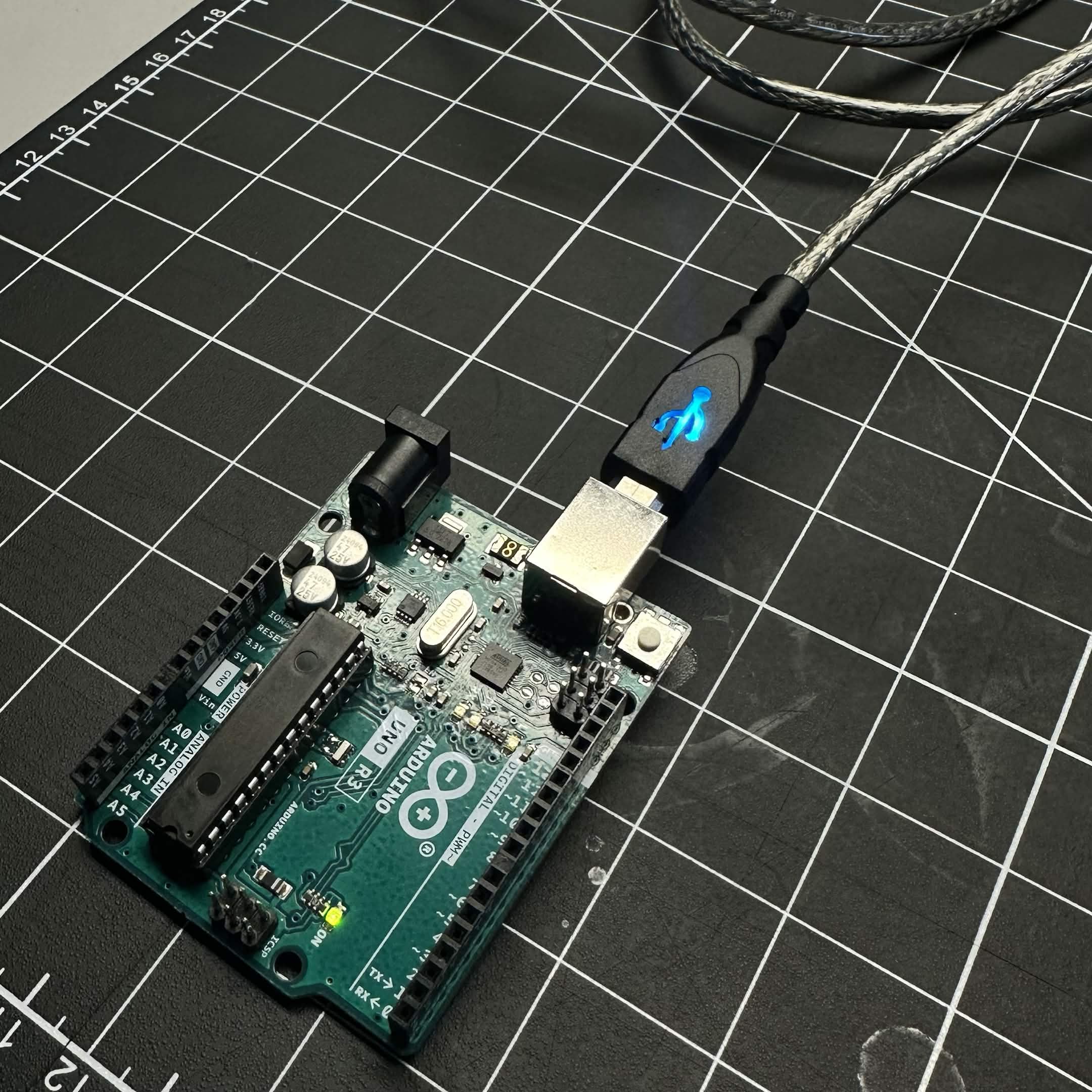
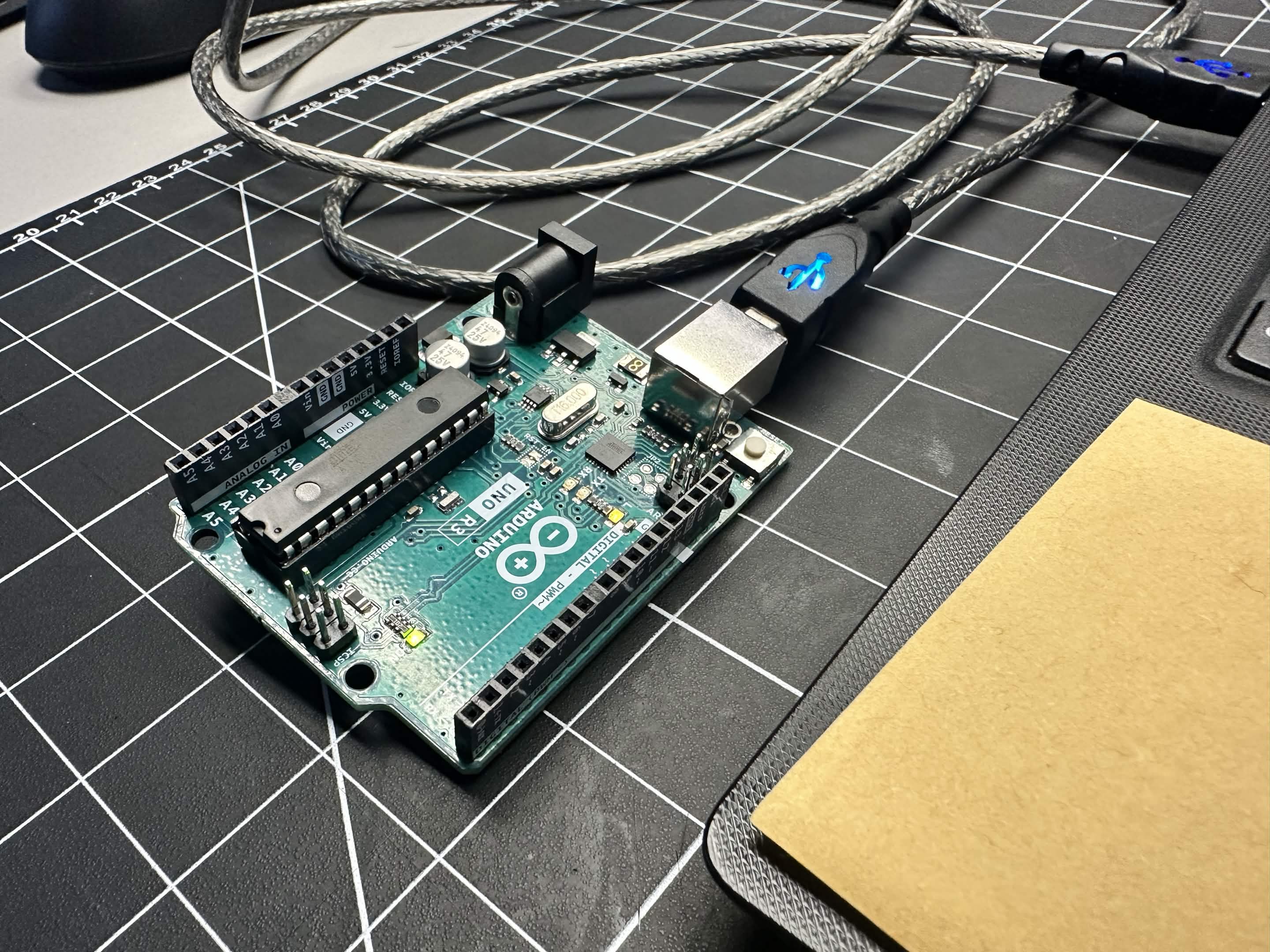
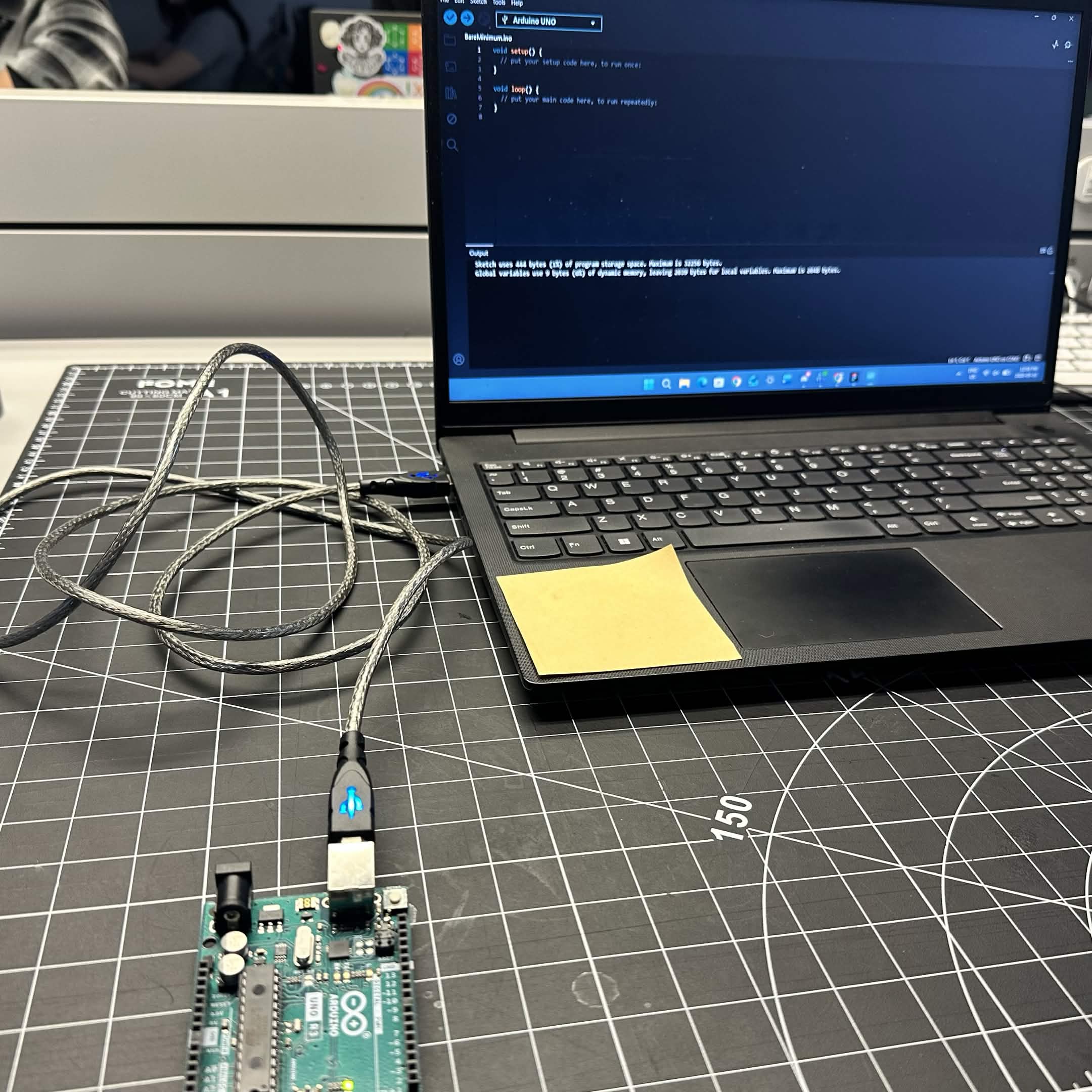
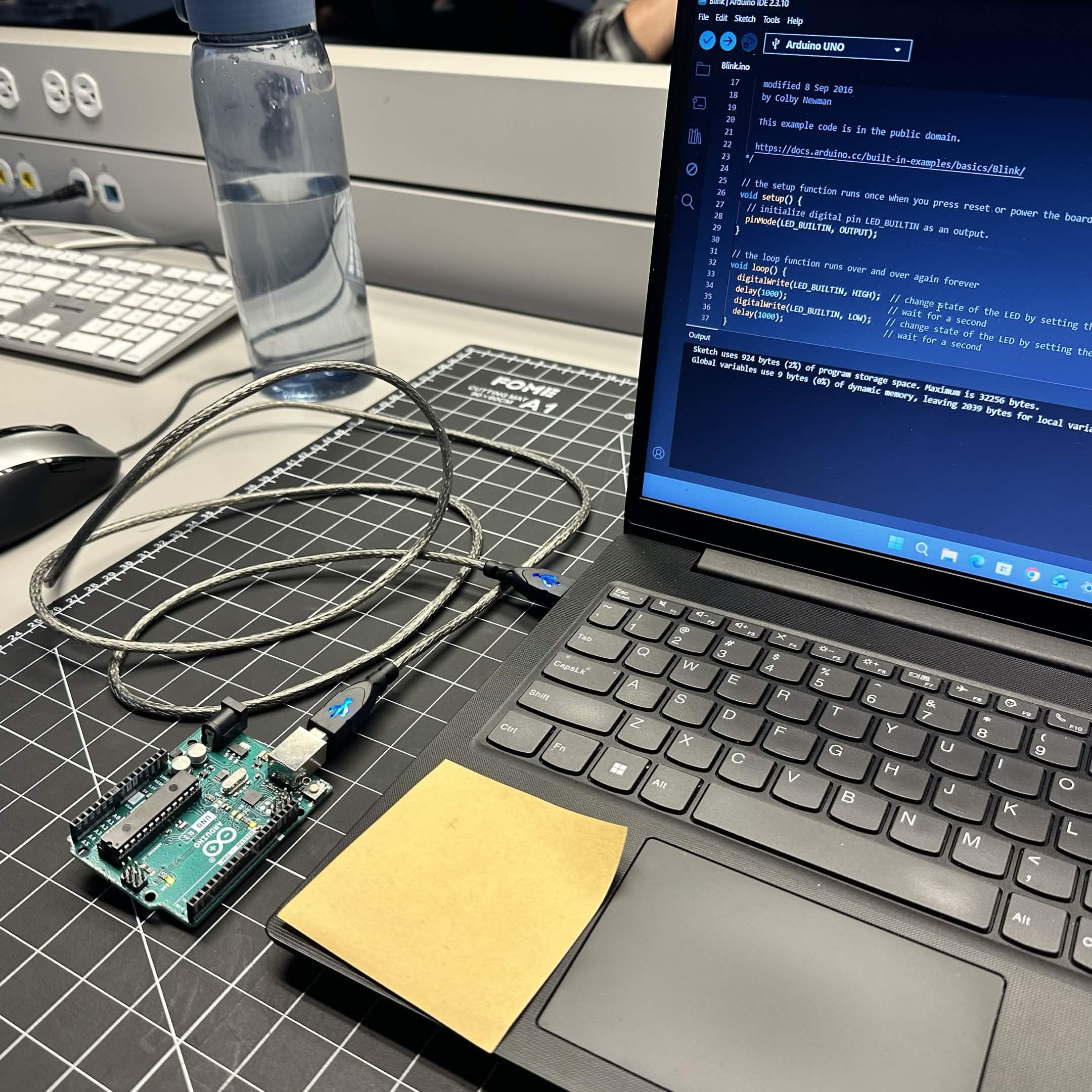
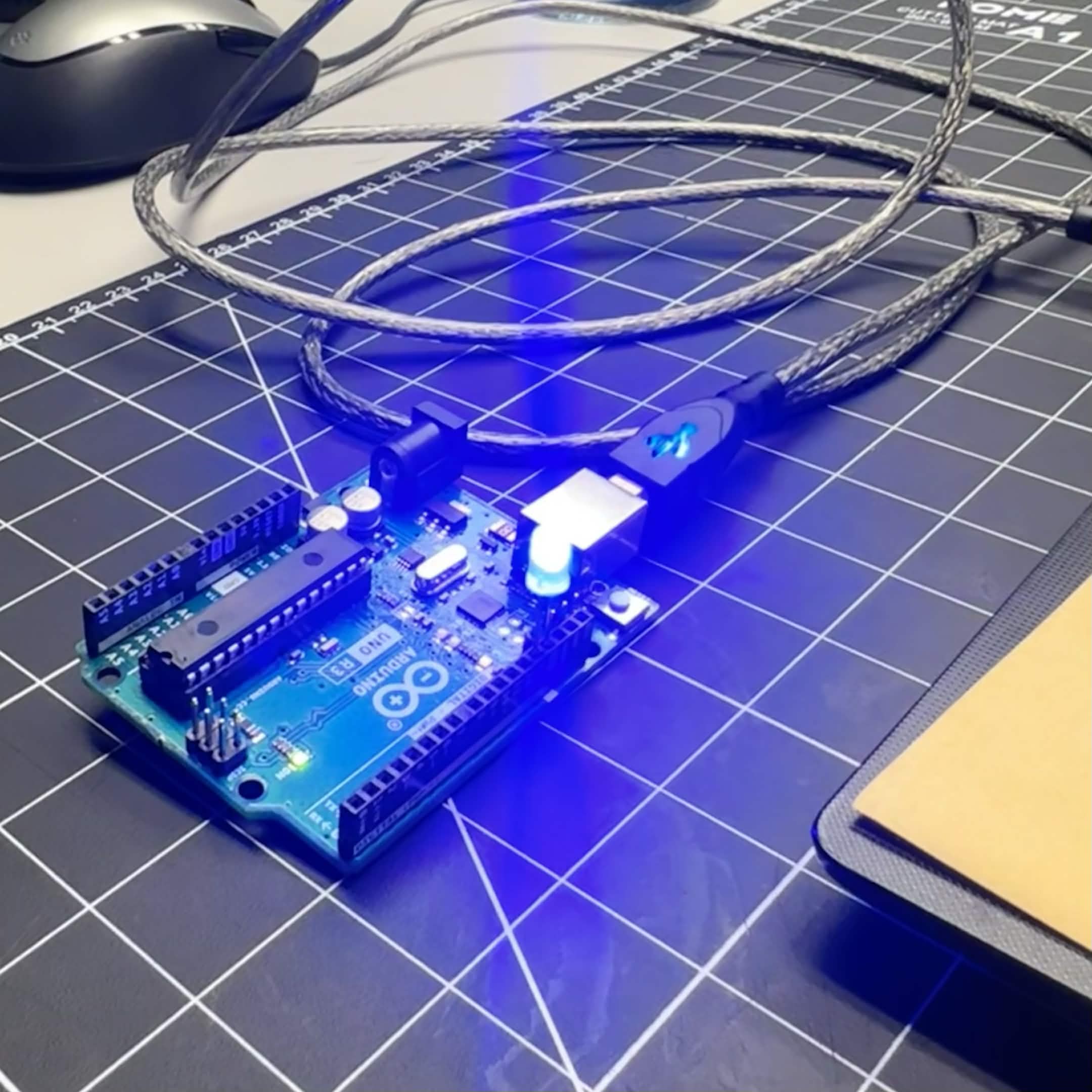
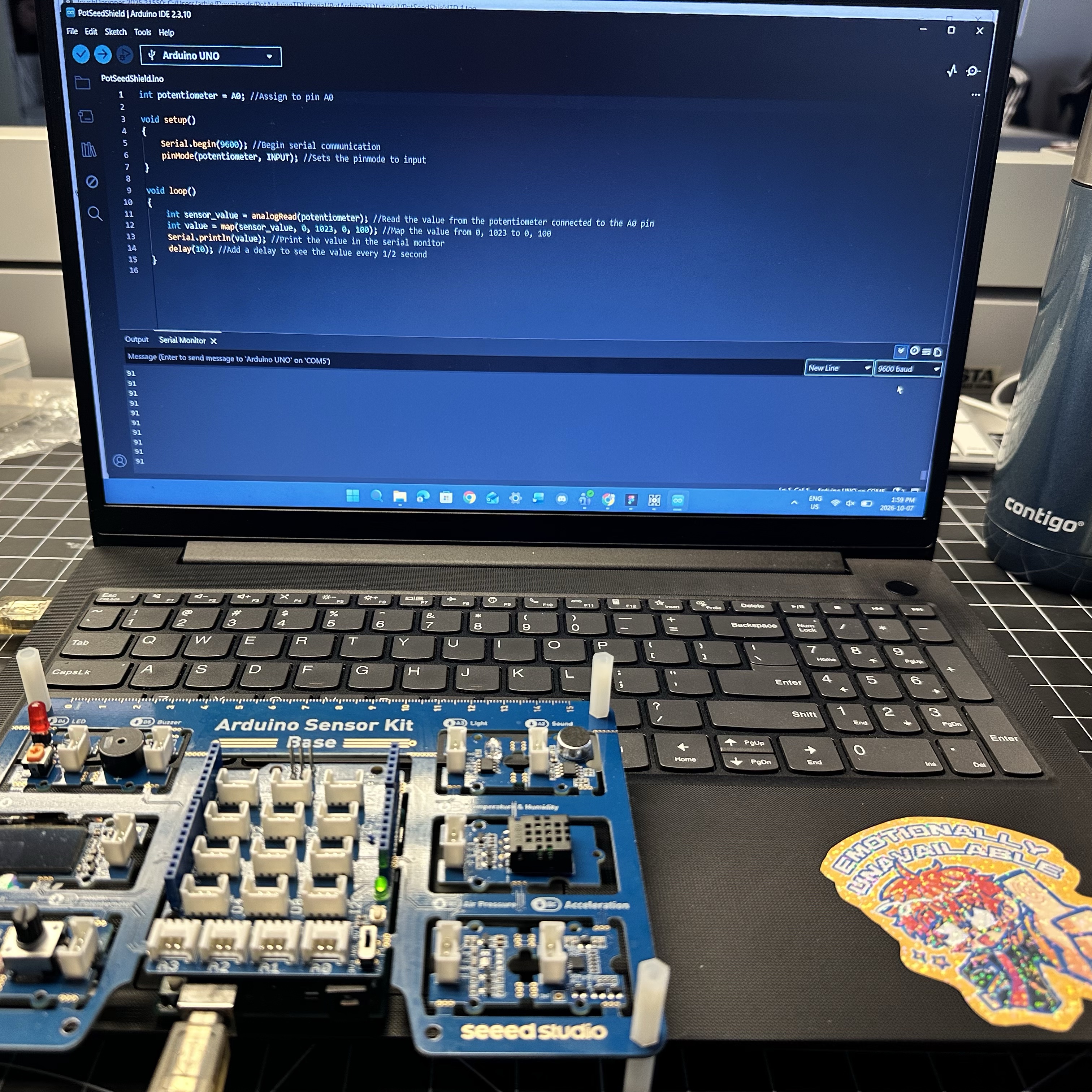
While setting up the arduino uno to my laptop, the light from teh arduino board (yellow blinking light) and wire indicated whether the connection was successful or not. Luckily I had no issues connecting the arduino uno to my laptop. The first code we tested in class simply stopped the yellow light on the arduino board from blinking. Once we verfied and ran the code, the light wasn't shining anymore. Since this activity was done through pairs, this image captures the code stopping the arduino board light from blinking while capturing some of the code on the screen too. Unlike the first code we tested in class, the second code we tested made the arduino board's light blink every second. The code instructed the board to turn off and on every second in a loop. There was no isses running the code because it was from the example codes provided by arduino uno. While using the blinking code from the previous image, we connected a blue LED light to the board. In order to do this, we attached one leg into the 13th hole and the other LED leg into the ground. Once everything was connected, the light shined brightly and blinked every second.

Activity 2

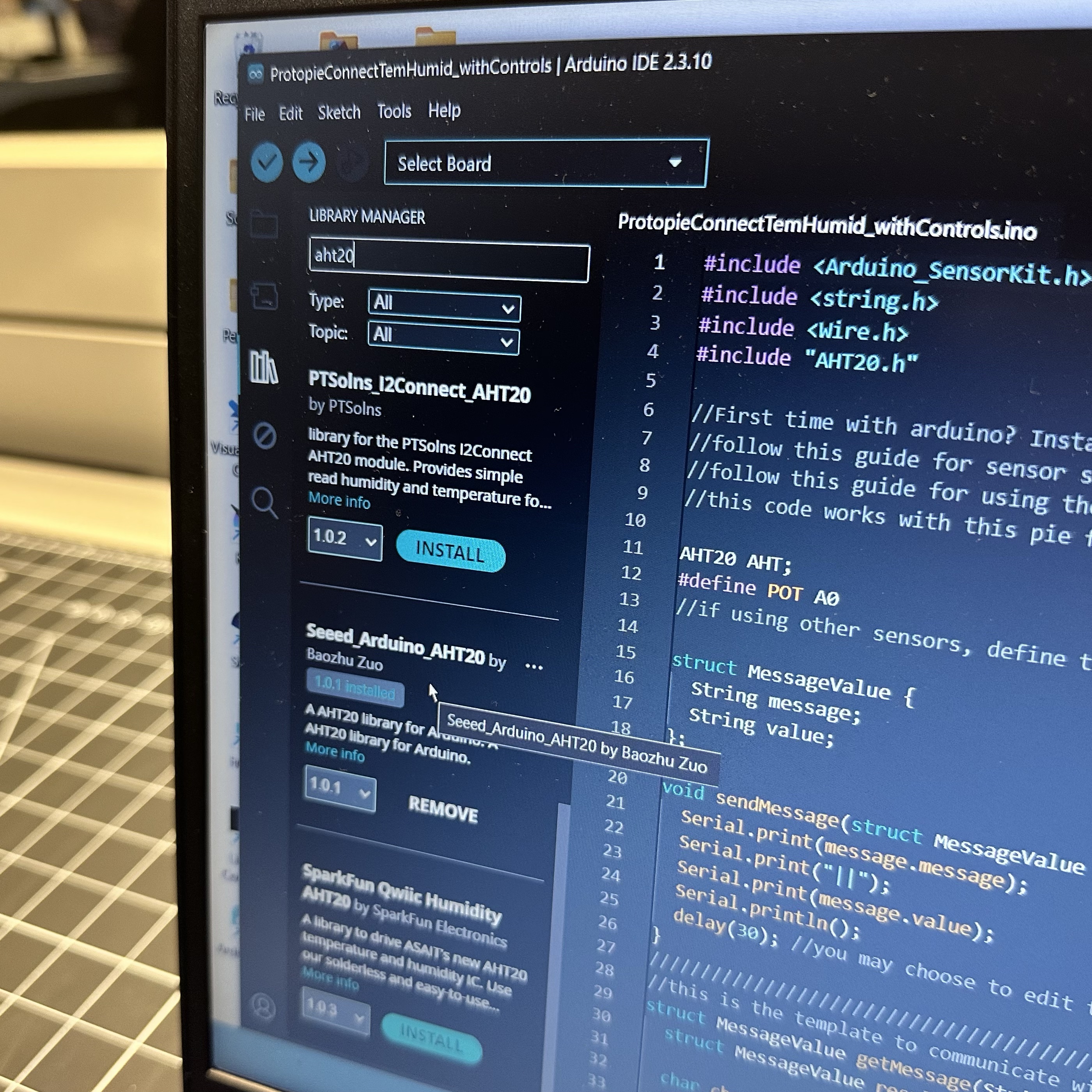
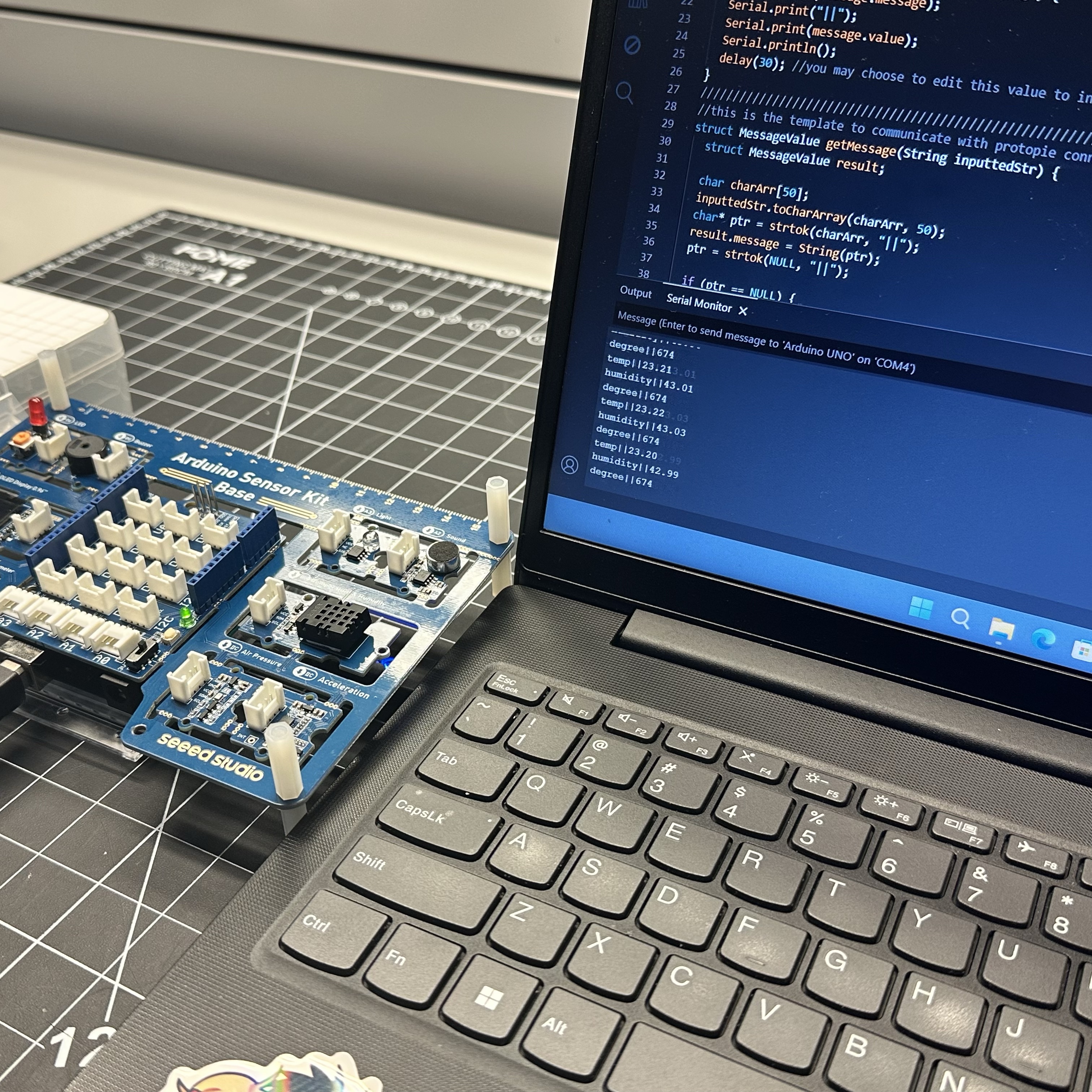
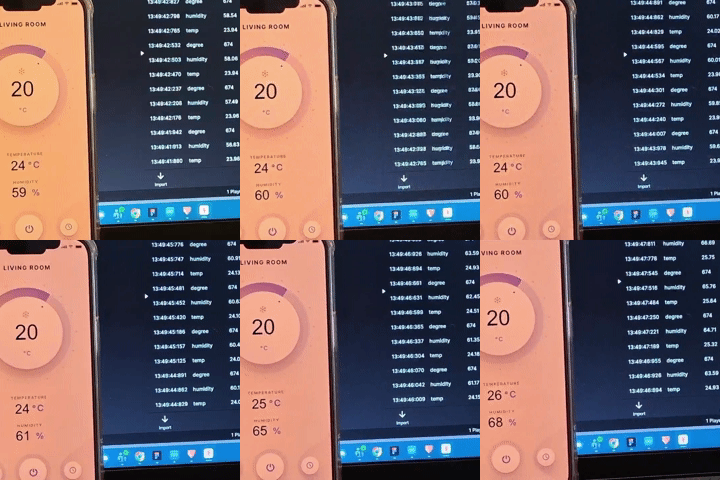
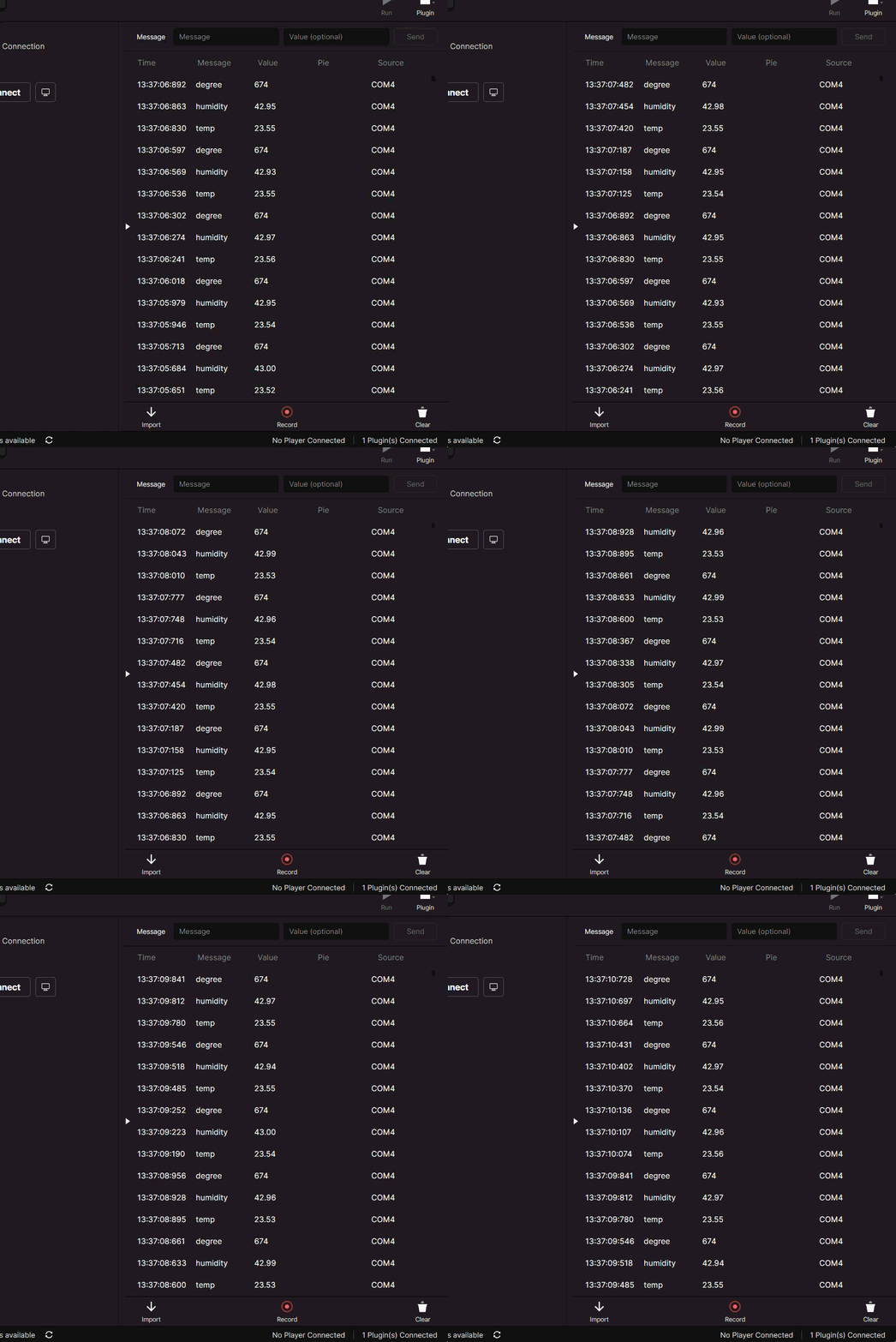
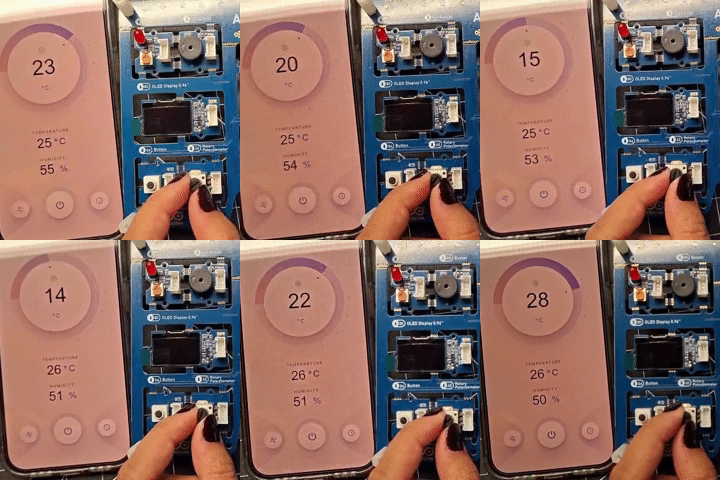
Before doing anything, we needed to set up the arduino by downloading the appropriate libraries for it to run the temperature code provided to us. Here's an image of me downloading the ah20 & sensorkit library. After setting up the arduino software, me and my partner were able to see the temperature and humidity from the arduino board. Now that the numbers were showing up correctly on arduino, we then connected the arduino to protopie connect. You can see the numbers we saw from the arduino on the protopie connect also show on the app. Here's a screen capture of the live data being updated every second on protopie connect. While me and my partner were playing around with the arduino board to change the humidity levels, we discovered the AC can be changed using the dial on the arduino board.

Activity 3

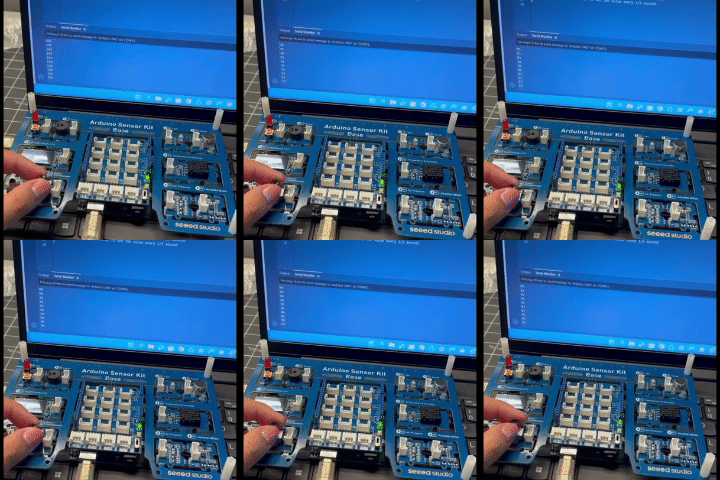
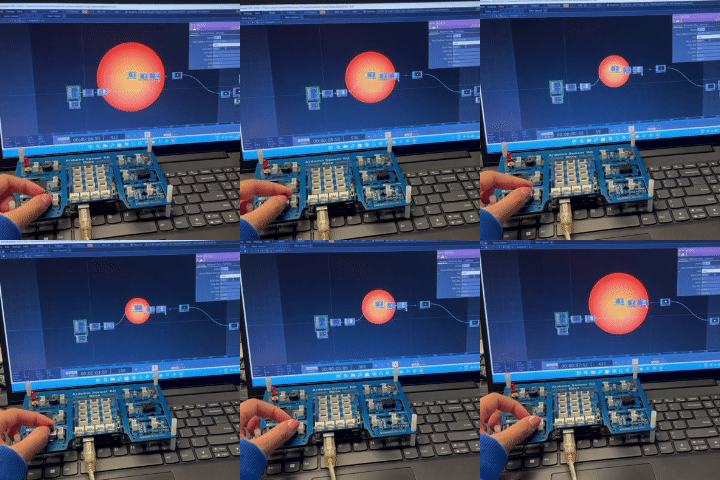
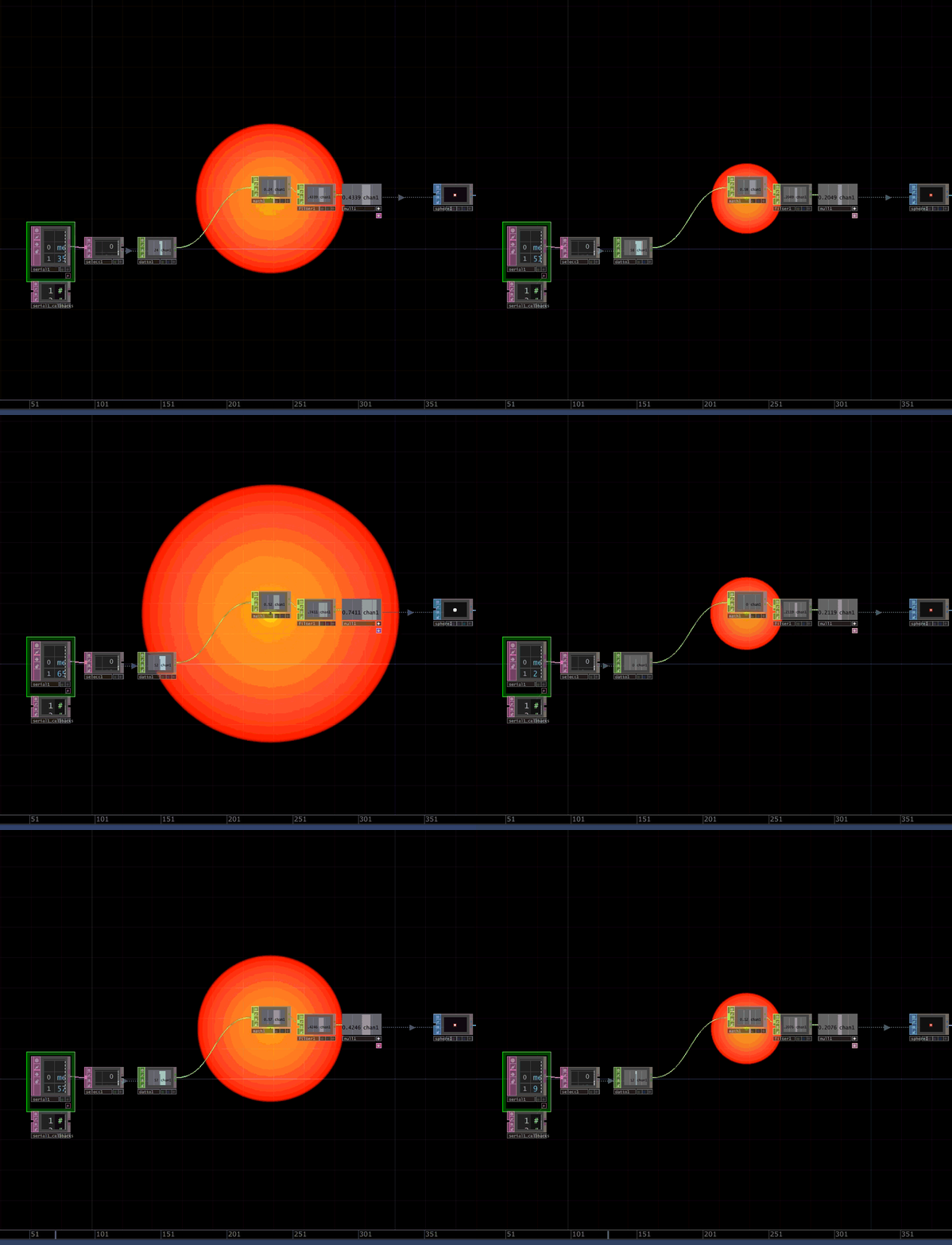
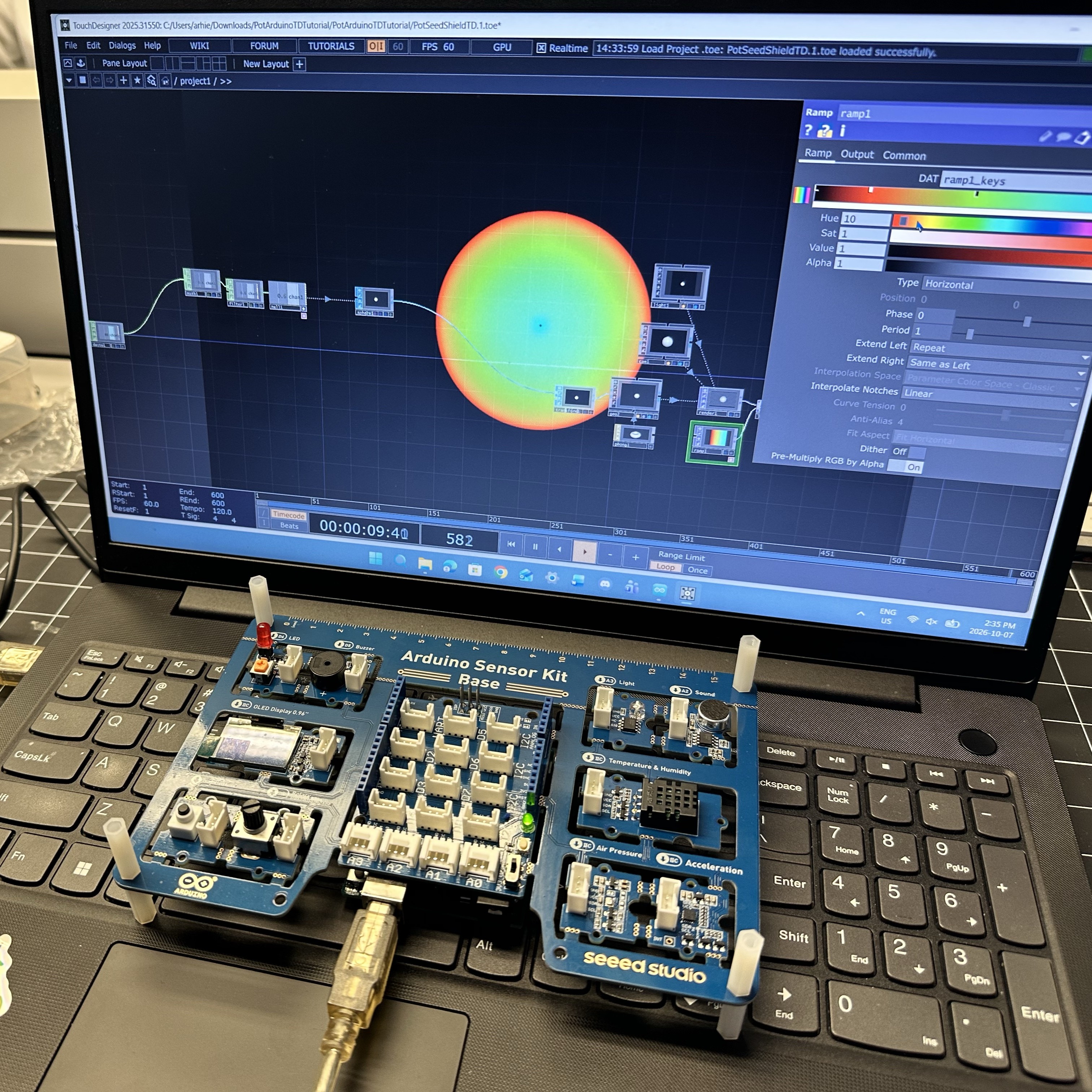
To begin this activity, we needed to set up the arduino board with arduino uno. The numbers were showing up so I knew it was collecting data correctly. For further arduino board testing, I slowly moved the dial to alter the numbers showing on the screen. Turning right would increase the numbers to 100, whereas turning it left would turn the numbers towards 0. I used the same dial motion from the previous image while the arduino information is being sent to the Touch Designer file. As I turn the dial you can see a visual change of the circle either expand or shrink. A screen capture of the Touch Designer responding to the actions being done on the arduino board. For additional experimentation with the file, I tried to change the colour of the visual. It crashed a couple times, but I managed to change the gradient colours.

Research Activity


Consumer Trend Research

VML trend research & projection mapping research
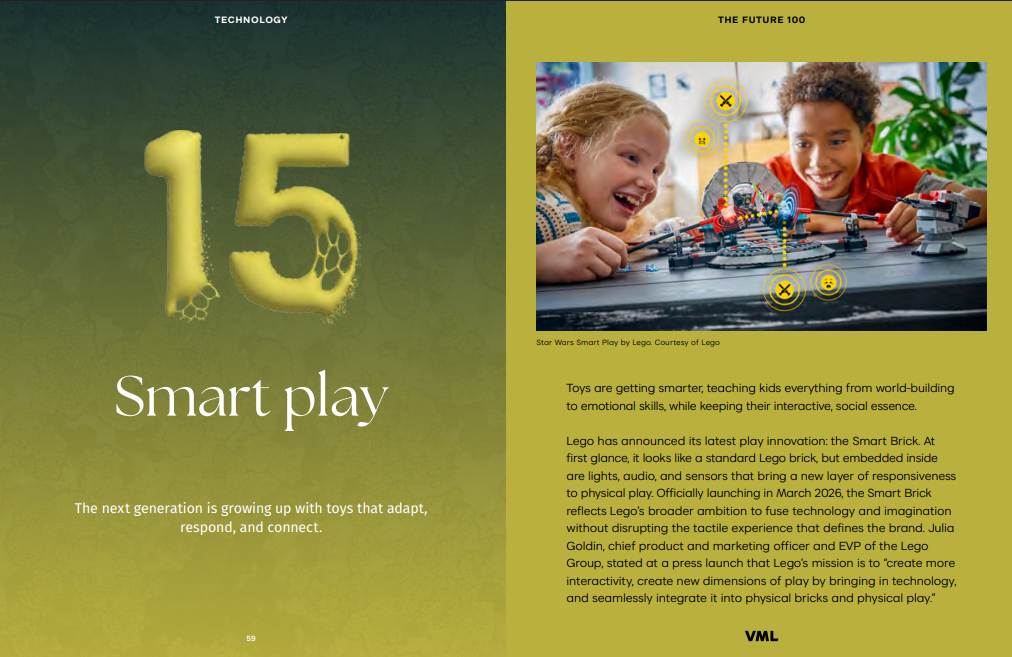
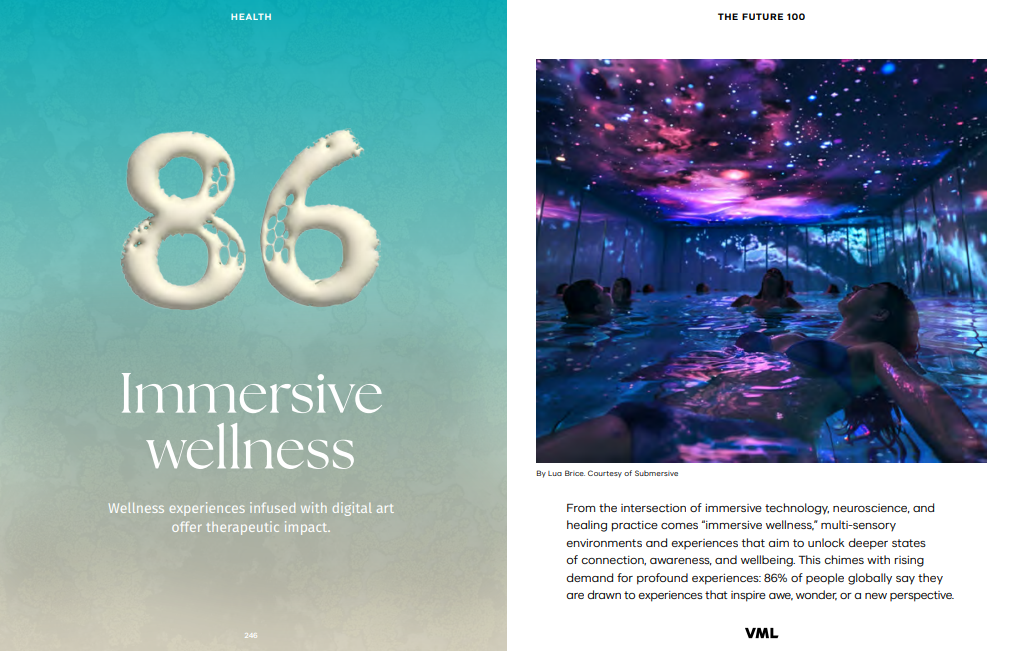
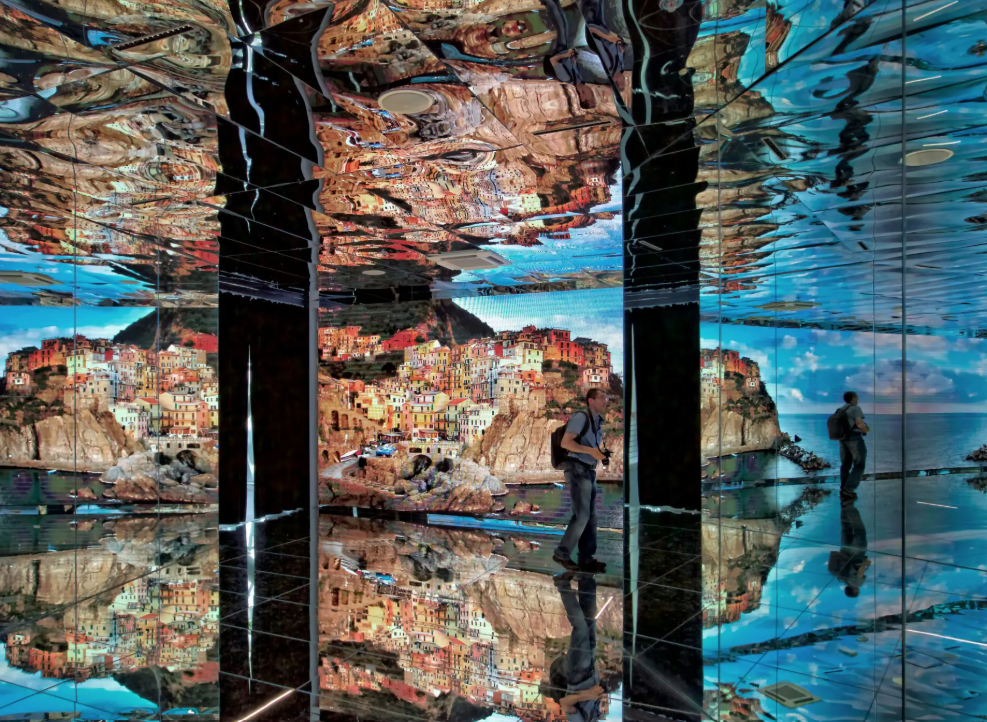
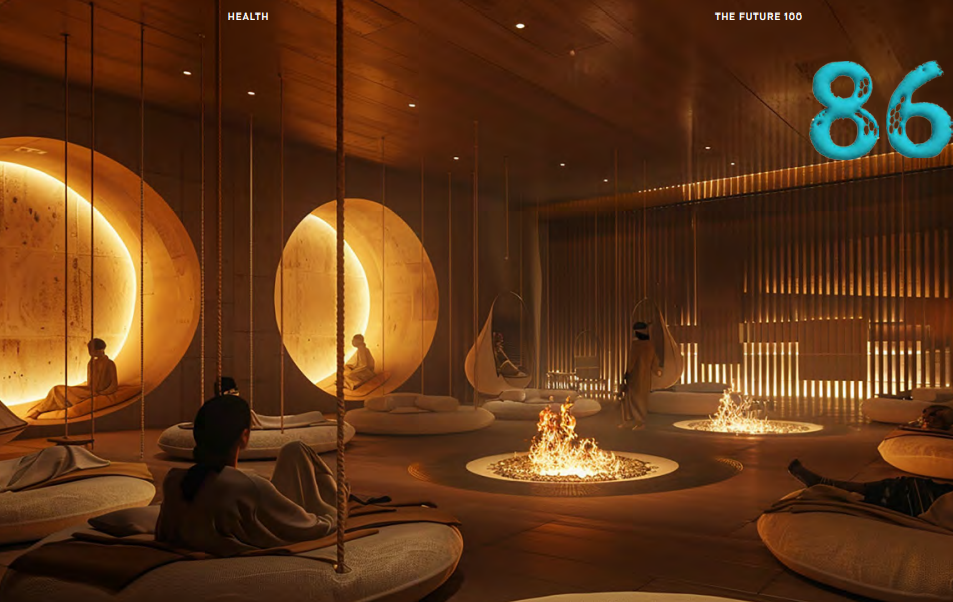
This trend discusses the direction toys are going and how it will effect this generation of kids. Compared the 90s, toys have been developed to be smarter, teaching kids a range of skills ranging from world-building to emotional skills, while staying interactive and collaborative. This trend discusses the combination of immersive technology, neuroscience, and healing practices to create multi-sensory experiences that aim to unlock human’s state of connection and wellbeing. Before I think of further concepts, I wanted to look at some articles and installations about projection art, the possibilities, and what you could do with it.

Personas Research

Target audience based on projection mapping research and consumer trend research.
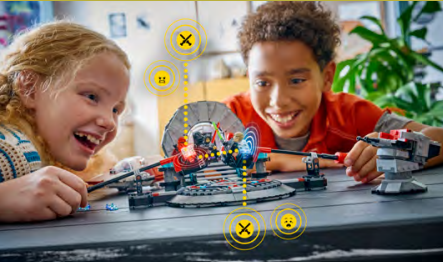
The persona I created based off the Smart Play trend is a curious, imaginative young learner who enjoys how things work through hands-on play. The persona I created based off the Immersive Wellness trend is interested in immersive environments that use sound, colour, and other senses to evoke a person’s emotions. For the art pathway, I thought of a target audience instead of a target persona. For an immersive experience, I feel it can be open to a general audience, but those who are interested in art, nature, and symbolism would appreciate this experience more.

HMI Research

Outlining problems areas for the VML articles and use cases for projection mapping route.
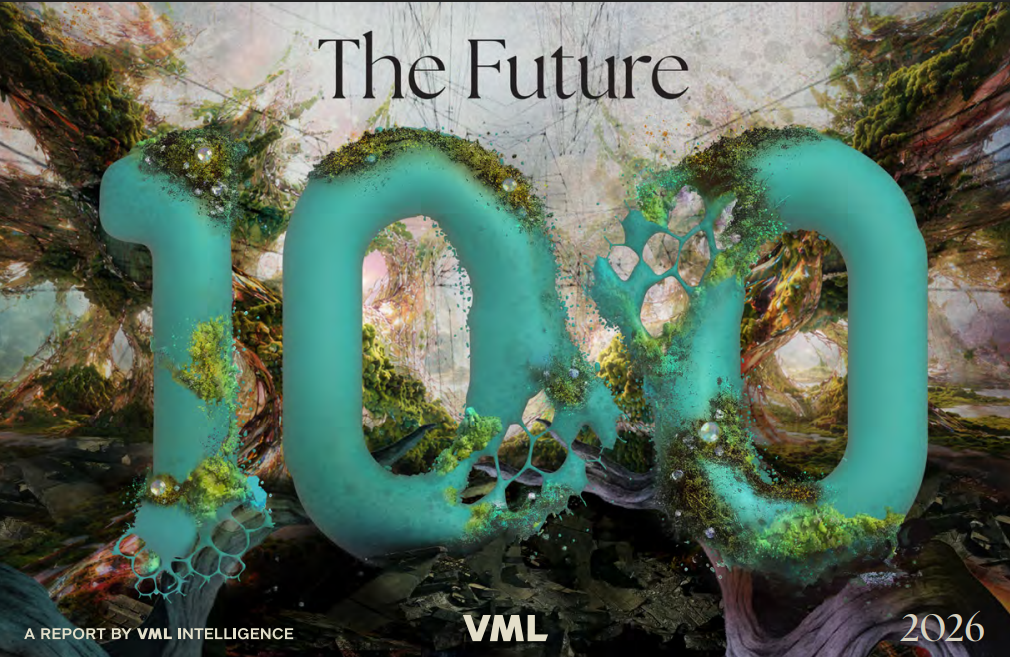
The VML articles I looked into for the activity pointed me towards more design oriented solutions, so I decided on doing further independent research about the art pathway. For my topic of interest (flowers), I looked into existing projects and how their projects use cases were. For this project, I thought it was so interesting to see the flower itself be the subject of interaction. For my topic of interest (flowers), I looked into existing projects and how their project use cases were applied. For this project, the team had an interactive screen using flower visuals to teach the meaning behind the flower on the screen.

Project Path

Projects I looked at while brainstorming ideas for the art pathway concept.
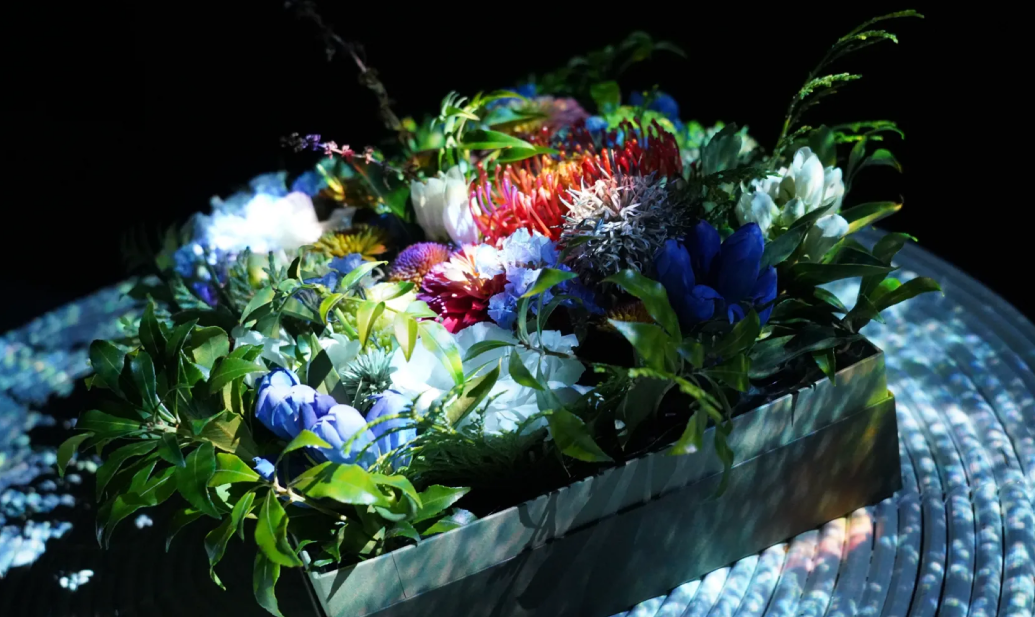
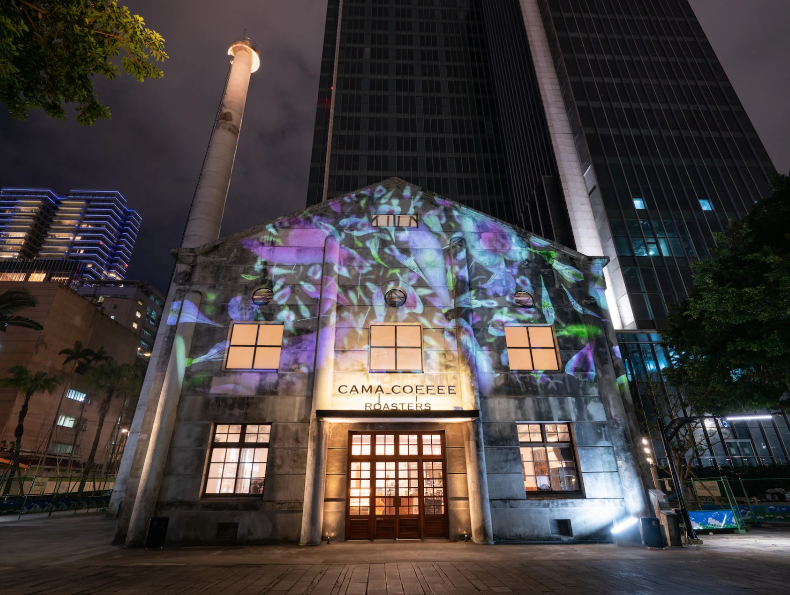
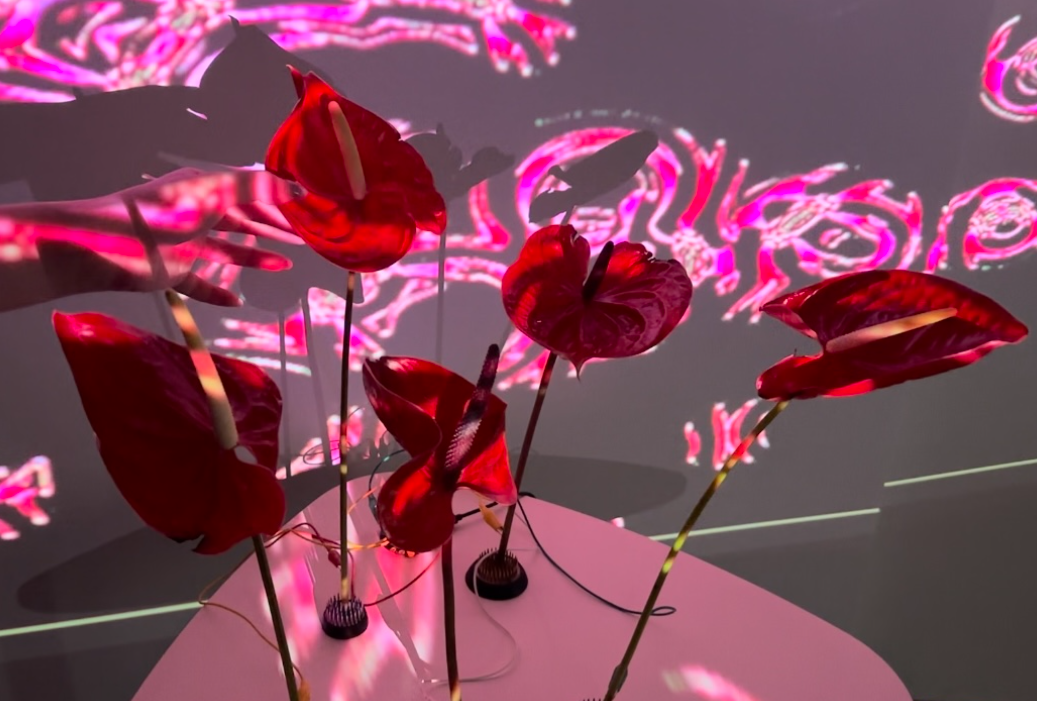
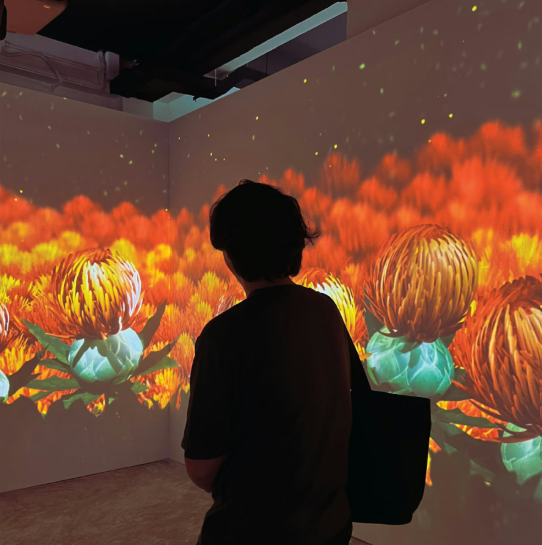
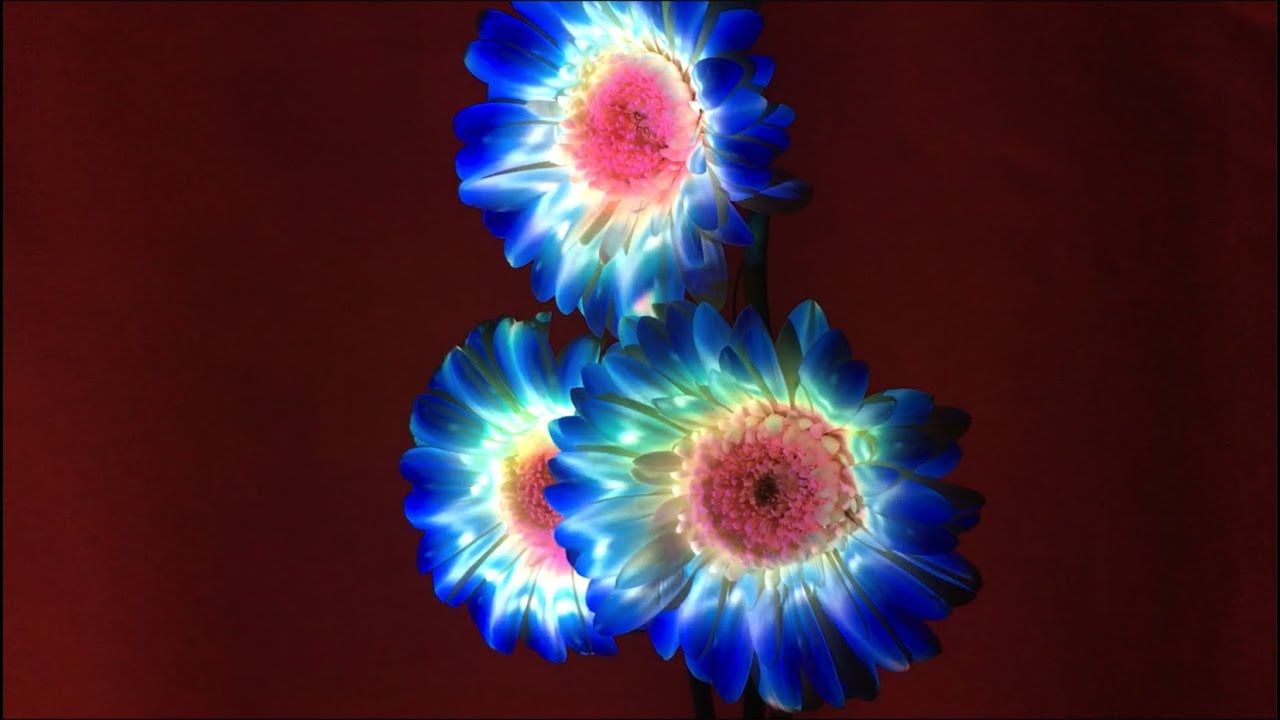
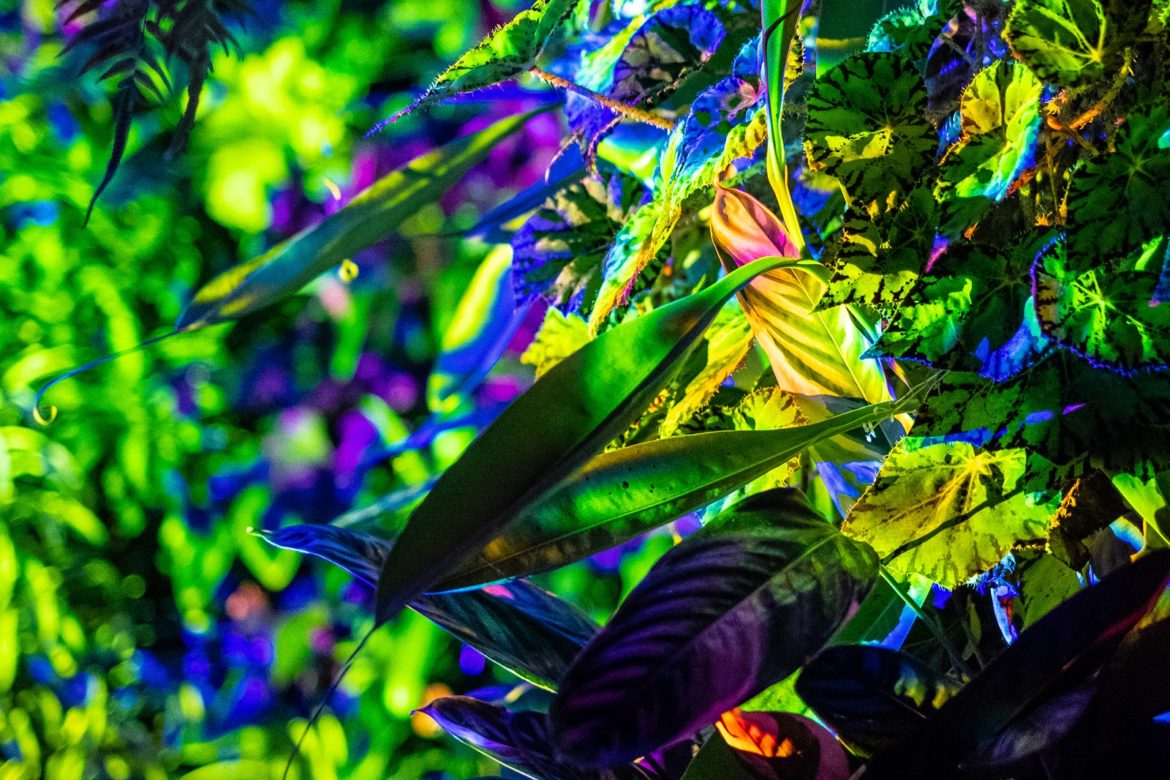
While searching for inspiration for my concept, I came across various plant projection mapping projects. For this HITOHATA project projects kaliedoscopic visuals onto an arrangement of flowers. It creates a mood while looking at the bouquet rather than simply looking at the flowers. While searching for inspiration for my concept, I came across various plant projection mapping projects. For this project, I thought the projection on the flowers was mezmerizing. The team had spiral visuals to represent metamorphasis. The transformation of simple flowers made a very interesting immersive experience. While searching for inspiration for my concept, I came across various plant projection mapping projects. For this project, the scale was much larger than the other two. Rather than a bouquet or a couple flowers, this team projects onto an entire botanical garden. Transforming a space that is home to plantlife into a space that is home to art was an incredible idea to create an immersive experience.

Project 1 Concept


Project 1 Concept

Flower Language Projection Mapping:
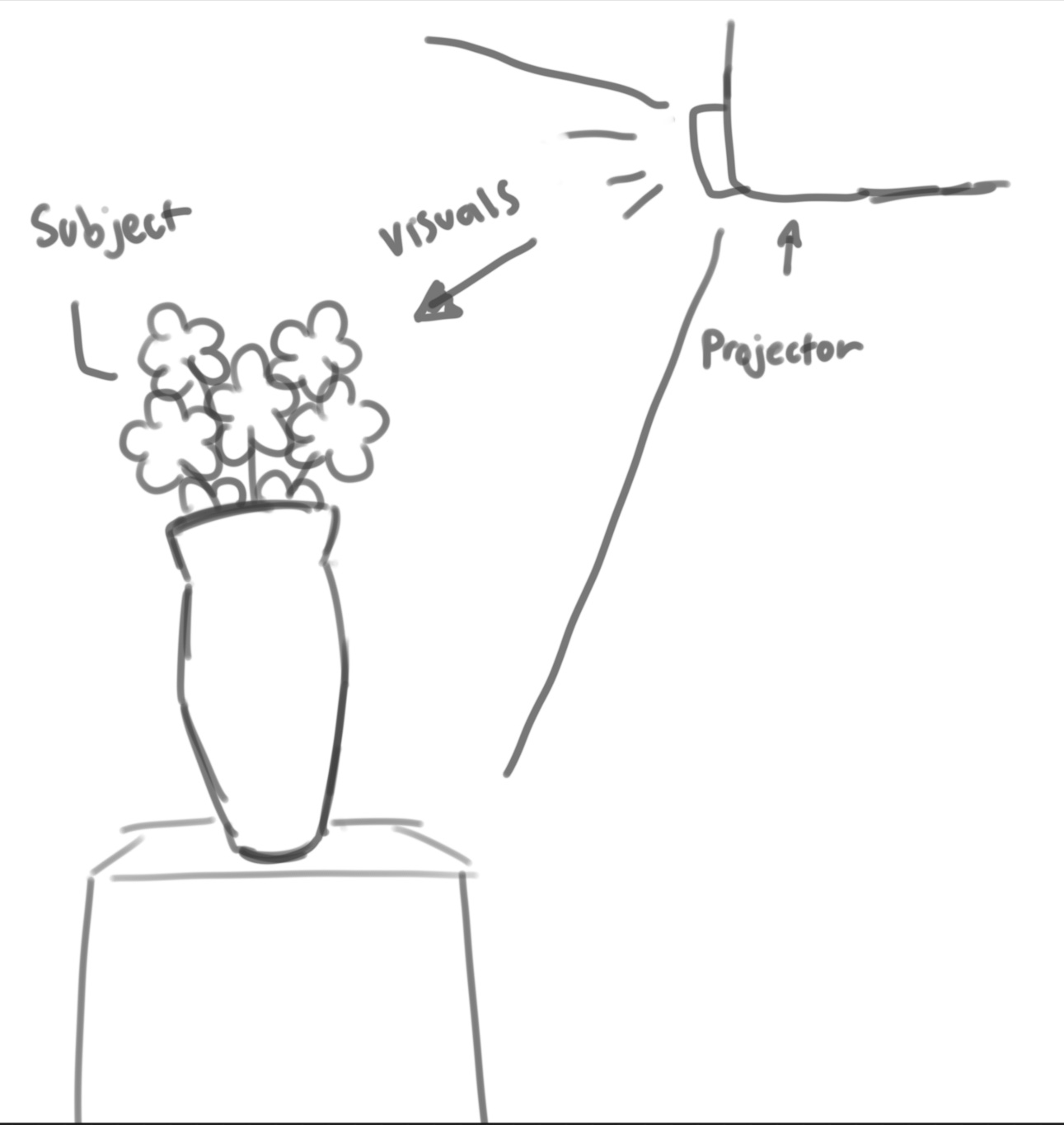
Rough sketch outlining the concept of the project. Flowers are not only visually pleasing to look at, but they can be used to communicate emotions or even used as inspiration for art and abstract visuals. When gifting to a person you love, most people would gift flowers such as roses. During their last moments in life, people are gifted carnations. The type of flower being given always depends on the situation and message you want to communicate to the receiving party. My direction will utilize touch designer to create a projection mapping experience to communicate the meaning behind flowers.
×

Powered by w3.css